
Every team eventually has to answer the same question: where should our data live? Application uploads, logs, backups, analytics datasets, machine learning training data and compliance records all need a home. For a large share of those workloads, Amazon S3 is the right answer. And when data goes cold, S3 Glacier and other archive tiers let you keep it for years at a fraction of the cost.
This post covers why S3 works so well as general-purpose storage, how the archive tiers differ, and how to move data between them without manual work. If you are new to object storage itself, start with our earlier post, Object Storage Explained: Why We Use Amazon S3 for Client Projects.
What makes S3 a strong choice
Durability you do not have to engineer yourself
S3 is designed for 99.999999999% (eleven nines) of durability. Objects in the standard storage classes are stored redundantly across at least three Availability Zones in a region. In practice this means you do not build replication, disk health monitoring or rebuild procedures yourself. Losing an object to hardware failure is not a scenario you plan around.
It scales without capacity planning
There is no volume to size and no disk to grow. A bucket holds a few kilobytes or many petabytes with the same API, and you pay for what you store. Request throughput scales per prefix, so spreading keys across prefixes lets you push very high request rates without tuning.
Strong consistency
Since December 2020, S3 provides strong read-after-write consistency for all PUT and DELETE operations. Once a write succeeds, every following read sees it. Older advice about eventual consistency and workarounds for it no longer applies.
Security and compliance controls built in
Encryption at rest by default. New objects are encrypted with SSE-S3 automatically, and you can switch to KMS-managed keys when you need key-level audit and control.
Block Public Access is on by default for new buckets, which removes the most common cause of accidental data exposure.
IAM policies, bucket policies and access points give fine-grained control over who can read or write what.
Object Lock provides write-once-read-many (WORM) protection for records that must not be changed or deleted before a retention date, which helps with regulatory retention and ransomware protection.
Versioning keeps previous versions of objects, so an overwrite or delete can be undone.
A huge ecosystem
Almost every data tool speaks the S3 API: Spark, Trino, DuckDB, Snowflake, Databricks, backup software, CDNs and ML frameworks. Many other storage providers offer S3-compatible APIs for the same reason. Storing data in S3 keeps your options open.
One service, many storage classes
The real cost lever in S3 is the storage class. Each object has a class, and you can change it over time:
S3 Standard: hot data that is read often. Millisecond access.
S3 Intelligent-Tiering: data with unknown or changing access patterns. Millisecond access, with optional slower archive tiers.
S3 Standard-IA: data read infrequently that still needs fast access. Millisecond access plus a per-GB retrieval fee.
S3 One Zone-IA: re-creatable data stored in a single Availability Zone. Millisecond access plus a per-GB retrieval fee.
S3 Glacier Instant Retrieval: archive data read roughly once a quarter. Millisecond access.
S3 Glacier Flexible Retrieval: archives, backups and disaster recovery copies. Minutes to hours.
S3 Glacier Deep Archive: long-term retention, read rarely if ever. Within 12 hours, or 48 hours for bulk.
Lower storage price generally means a higher retrieval cost, a longer retrieval time, or both, plus a minimum storage duration.
Where Glacier comes in
Most data follows the same curve: read heavily for days or weeks, then hardly ever. Logs, old invoices, raw sensor data, finished project files and backups all behave this way. Keeping that data in S3 Standard forever means paying for fast access you no longer use. The Glacier storage classes are built for exactly this.
S3 Glacier Instant Retrieval
Same millisecond access as S3 Standard, with much lower storage cost and a higher per-GB retrieval fee. It suits data you rarely read but need immediately when you do, such as medical images, news media archives or user uploads older than a few months. Minimum storage duration is 90 days.
S3 Glacier Flexible Retrieval
The classic Glacier. Objects must be restored before you can read them, and you pick the speed:
Expedited: typically 1 to 5 minutes
Standard: typically 3 to 5 hours
Bulk: typically 5 to 12 hours, at no retrieval charge
It is a good fit for backups and disaster recovery copies where a few hours of restore time is acceptable. Minimum storage duration is 90 days.
S3 Glacier Deep Archive
The lowest-cost storage AWS offers. Standard restores complete within 12 hours and bulk restores within 48 hours. It is designed for data you are required to keep for years, such as financial records, legal holds, healthcare data and long-term backups, and that you expect to read rarely or never. Minimum storage duration is 180 days. For many organisations it replaces off-site tape.
Automate it with lifecycle rules
You do not need to move objects by hand. S3 Lifecycle rules transition objects between classes based on age, prefix or tags, and can expire them when retention ends. A typical rule for application logs might look like this:
{
  "Rules": [
    {
      "ID": "logs-archive",
      "Filter": { "Prefix": "logs/" },
      "Status": "Enabled",
      "Transitions": [
        { "Days": 30,  "StorageClass": "STANDARD_IA" },
        { "Days": 90,  "StorageClass": "GLACIER_IR" },
        { "Days": 365, "StorageClass": "DEEP_ARCHIVE" }
      ],
      "Expiration": { "Days": 2555 }
    }
  ]
}
Logs stay hot for a month, move to cheaper tiers as they age, land in Deep Archive after a year and are deleted after seven years.
If you cannot predict access patterns, S3 Intelligent-Tiering does this for you per object. It moves objects that have not been read for 30 days to an infrequent access tier and after 90 days to an archive instant access tier, with no retrieval fees. You can also opt in to its asynchronous Archive Access and Deep Archive Access tiers for data that can tolerate restore delays.
Watch-outs before you archive
Minimum storage durations. Deleting or transitioning an object before 90 or 180 days still bills the remaining days.
Small objects. Glacier Flexible Retrieval and Deep Archive add about 40 KB of metadata overhead per object, and lifecycle transitions are charged per request. Archiving millions of tiny files can cost more than it saves. Bundle them into larger archives (tar or zip) first.
Retrieval costs and time. Plan restores ahead, especially for disaster recovery. Test that you can actually get data back and know how long it takes.
Retention rules. Combine archive tiers with Object Lock and versioning when the data is a compliance record.
Other archiving options
Glacier is not the only cold storage on the market. Depending on where the rest of your stack lives, these are worth comparing:
Azure Blob Storage Archive tier. Offline tier with rehydration to Hot or Cool before reads. Standard priority rehydration can take up to 15 hours, and high priority can be much faster for smaller objects. Minimum duration is 180 days.
Google Cloud Storage Archive class. Unlike Glacier Flexible and Deep Archive, objects stay readable in milliseconds through the same API, but retrieval fees are high and the minimum storage duration is 365 days.
On-premises tape (LTO). Still very cheap per terabyte at large scale and naturally air-gapped, but you own the hardware, the drives, the media refresh cycle and the off-site logistics.
S3-compatible providers. Several vendors offer S3-compatible object storage with simpler pricing, sometimes without egress fees. They are attractive for backups and secondary copies, though they usually lack an equivalent to Glacier's deep archive pricing.
A common pattern is to keep the primary copy in S3 with lifecycle rules, and an independent secondary copy with a different provider or on tape, so a single account compromise or provider issue cannot remove every copy.
Summary
S3 is a sensible default because it removes the hard parts of storage: durability, scaling, consistency and access control. The storage classes then let cost follow the value of the data. Keep hot data in S3 Standard, let Intelligent-Tiering or lifecycle rules move it down as it cools, and park long-term records in Glacier Deep Archive. Check retrieval times, minimum durations and object sizes before you commit, and test your restores.
For current prices in your region, see the Amazon S3 pricing page, and for the full class comparison, see Amazon S3 storage classes.
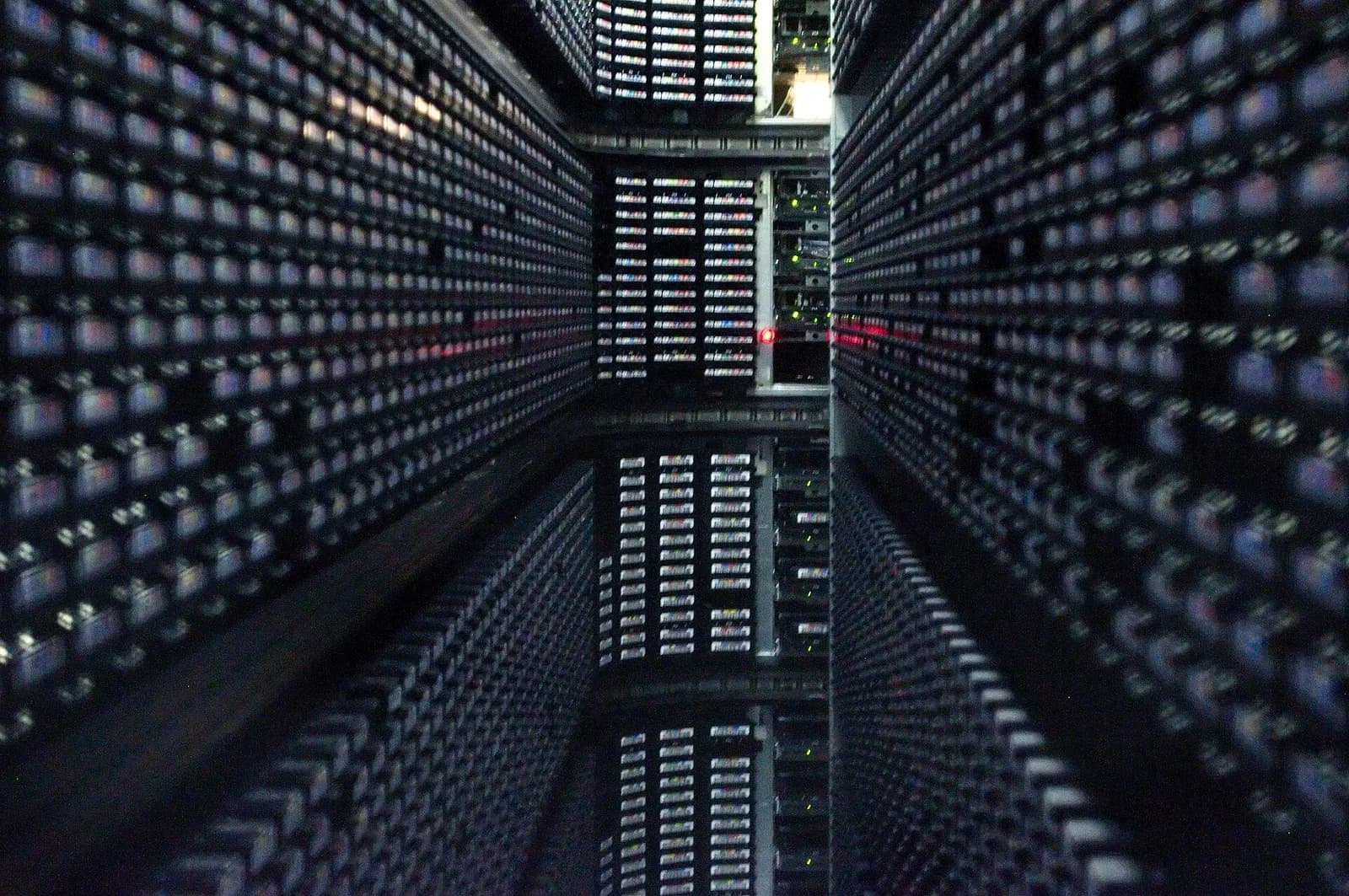
Cover image: Interior of a StorageTek tape library at NERSC, by Derrick Coetzee, released under CC0 via Wikimedia Commons.